Thông tin Sale hội trăng rằm, Giá luôn rẻ - Giảm đến 15 triệu MUA NGAY






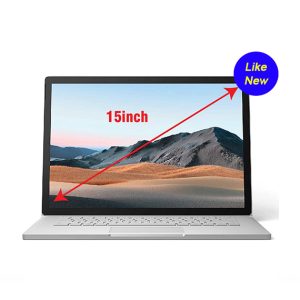








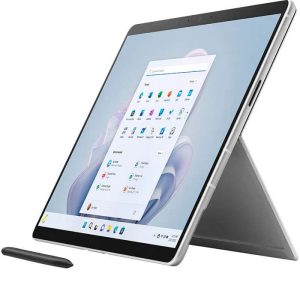
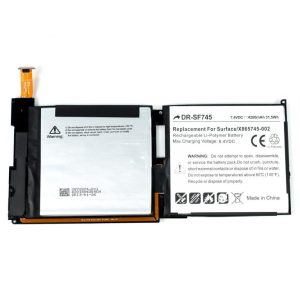
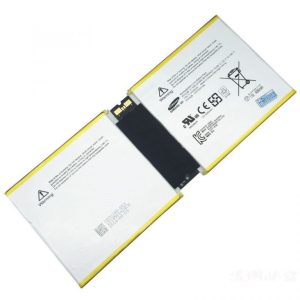
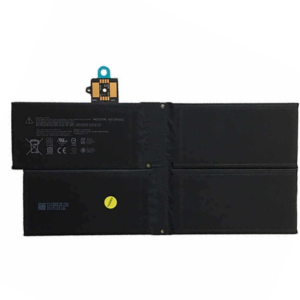




Hey there, Surface fans! If you are reading this, chances are your beloved Surface Book 1 is starting to act a bit… tired. We have all been there: you are right in the middle of an important project or a Netflix binge, and suddenly the screen goes dark even though the tablet portion said it had 40% left. As someone who has spent years tinkering with these unique 2-in-1 machines at Surface Plus, I can tell you that the culprit is almost always the base battery. In the tech world, when the keyboard section fails to hold a charge, it is time to look into a professional service to thay pin surface book 1 base.
The Surface Book 1 is a legendary device, but like any laptop that has been in service for several years, the lithium-ion cells inside eventually wear out. Because the Book 1 utilizes a dual-battery system—one in the screen (the Clipboard) and one in the keyboard (the Base)—troubleshooting can be a bit tricky. If your base isn’t pulling its weight, you’re essentially tethered to a wall outlet, which totally defeats the purpose of having a portable powerhouse.
Understanding the Dual Battery System: Why You Need to Thay Pin Surface Book 1 Base
To understand why you might need to thay pin surface book 1 base, you first need to understand how Microsoft designed this machine. The Surface Book 1 distributes its power consumption across two separate batteries. Battery 1 is located in the tablet portion, while Battery 2 (usually the larger one) sits under the keyboard and trackpad. Typically, the system drains the base battery first to preserve the tablet’s power for when you want to detach it.
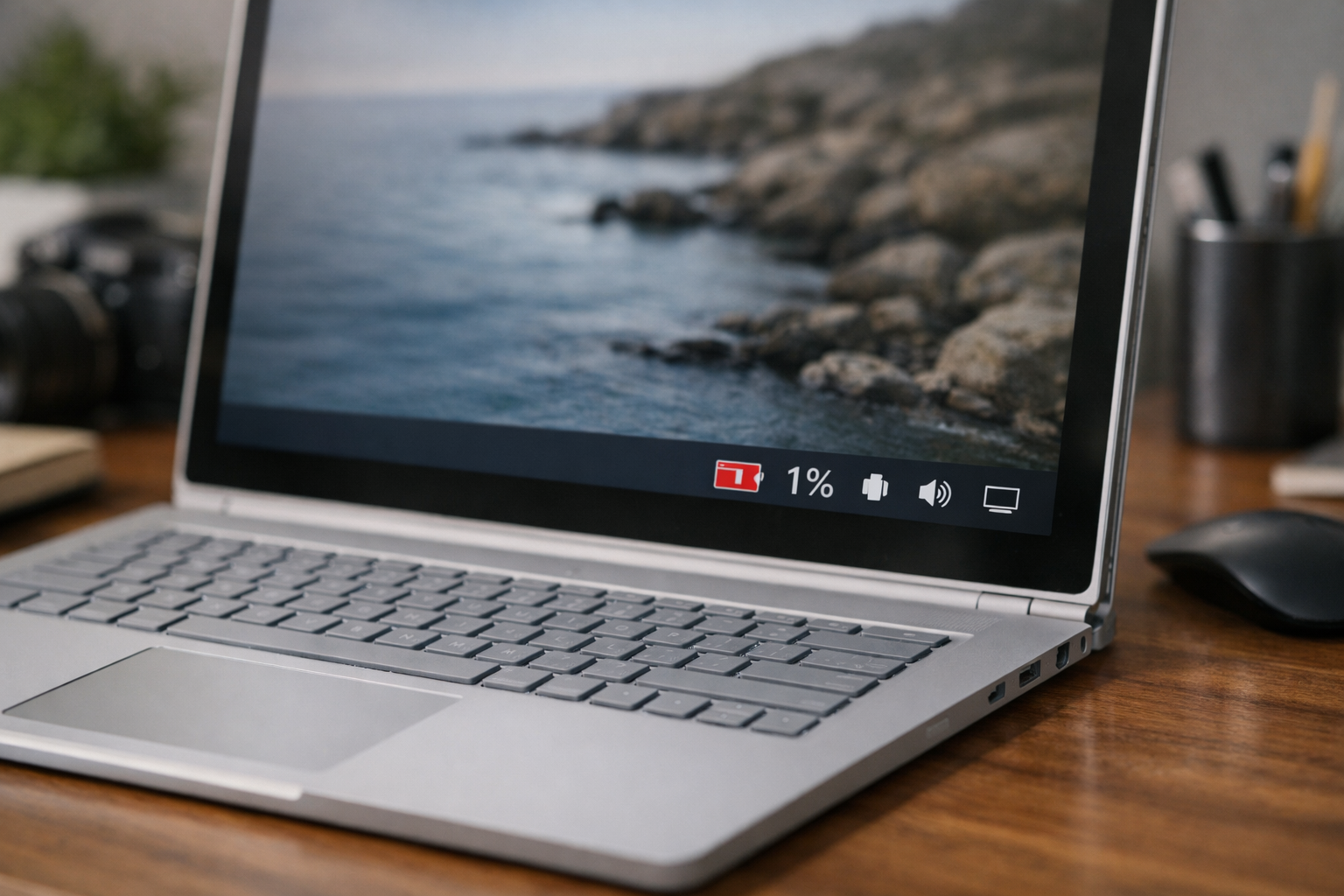
When the base battery fails, the device might suffer from surface book bị lỗi in power management, leading to sudden shutdowns. If the base battery is completely dead, your Surface Book might not even recognize the keyboard or the dedicated GPU if you have a Performance Base model. This is more than just an inconvenience; it can lead to data loss or hardware instability over time.
| Symptom | Possible Cause | Solution |
|---|---|---|
| Sudden shutdown at 30-50% | Base battery voltage drop | Thay pin surface book 1 base |
| Base not detected/No charging | Dead cells or connector fault | Hardware inspection/Replacement |
| Keyboard bulging or trackpad stiff | Battery swelling (Dangerous!) | Immediate replacement |
If you notice the trackpad is becoming harder to click or the keyboard frame looks slightly warped, stop using the device immediately. Swelling batteries are a fire hazard and can permanently damage the internal chassis or the sensitive electronics inside. In such cases, the decision to thay pin surface book 1 base is a matter of safety, not just performance.
The Technical Challenge: Can You Do It Yourself?
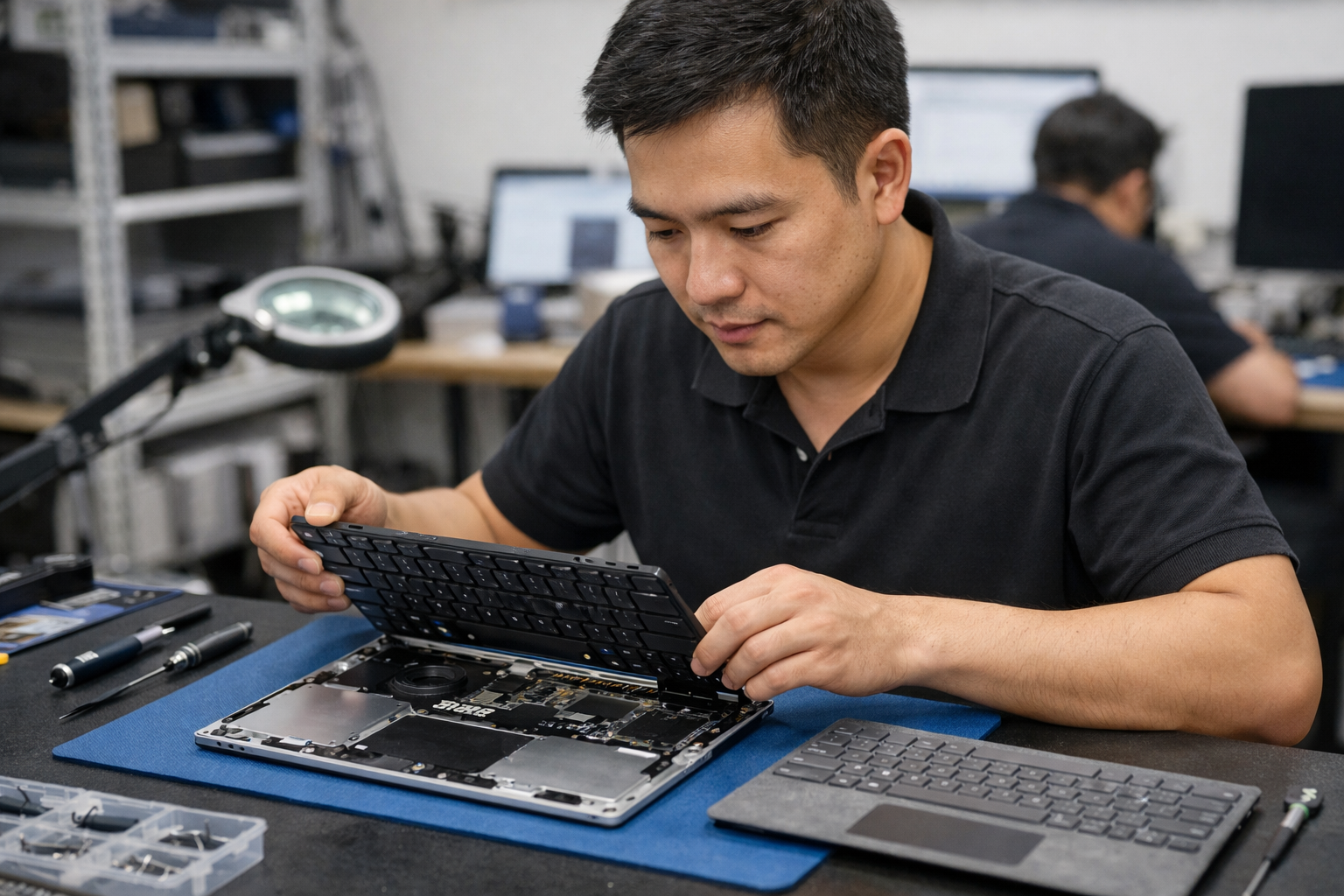
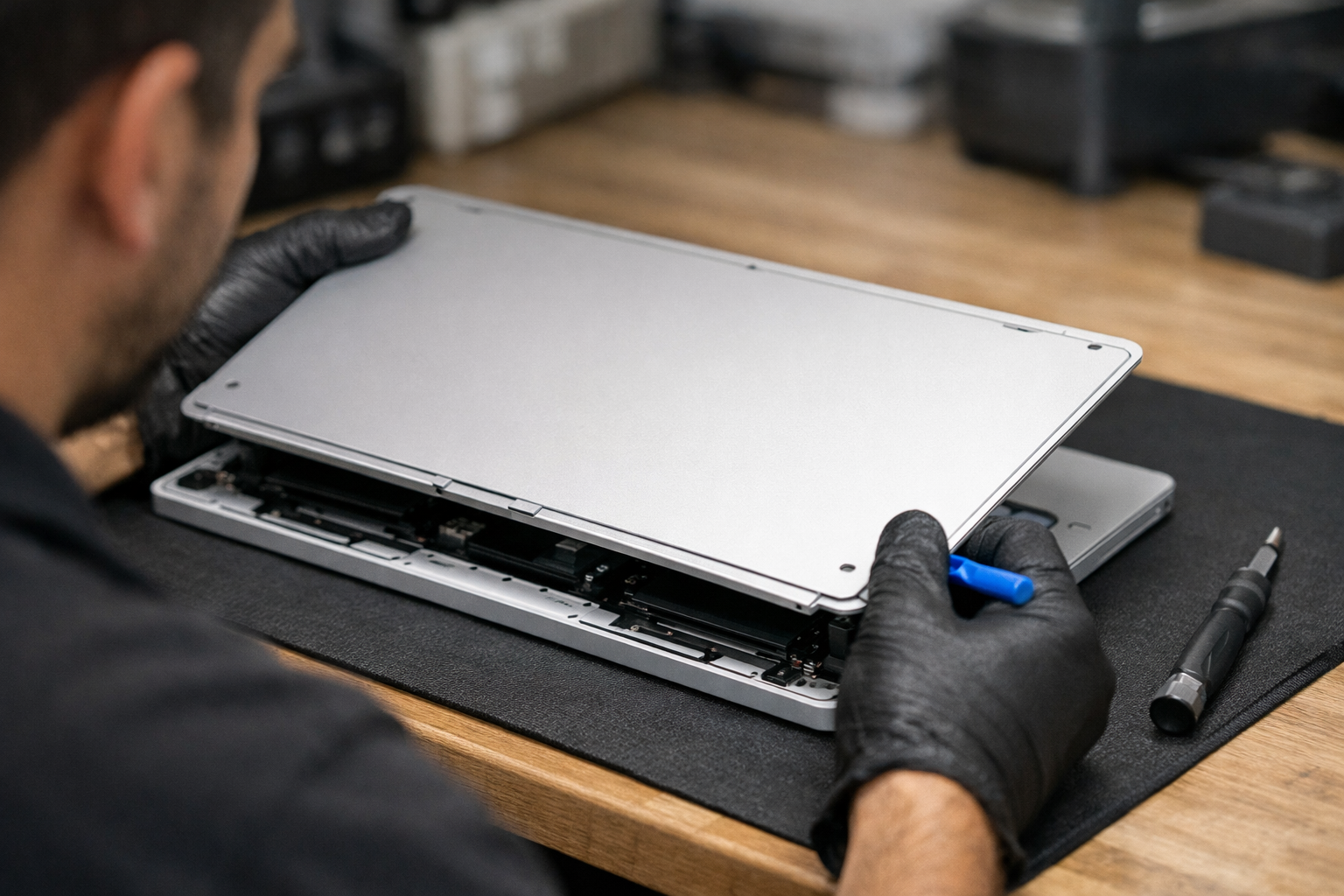
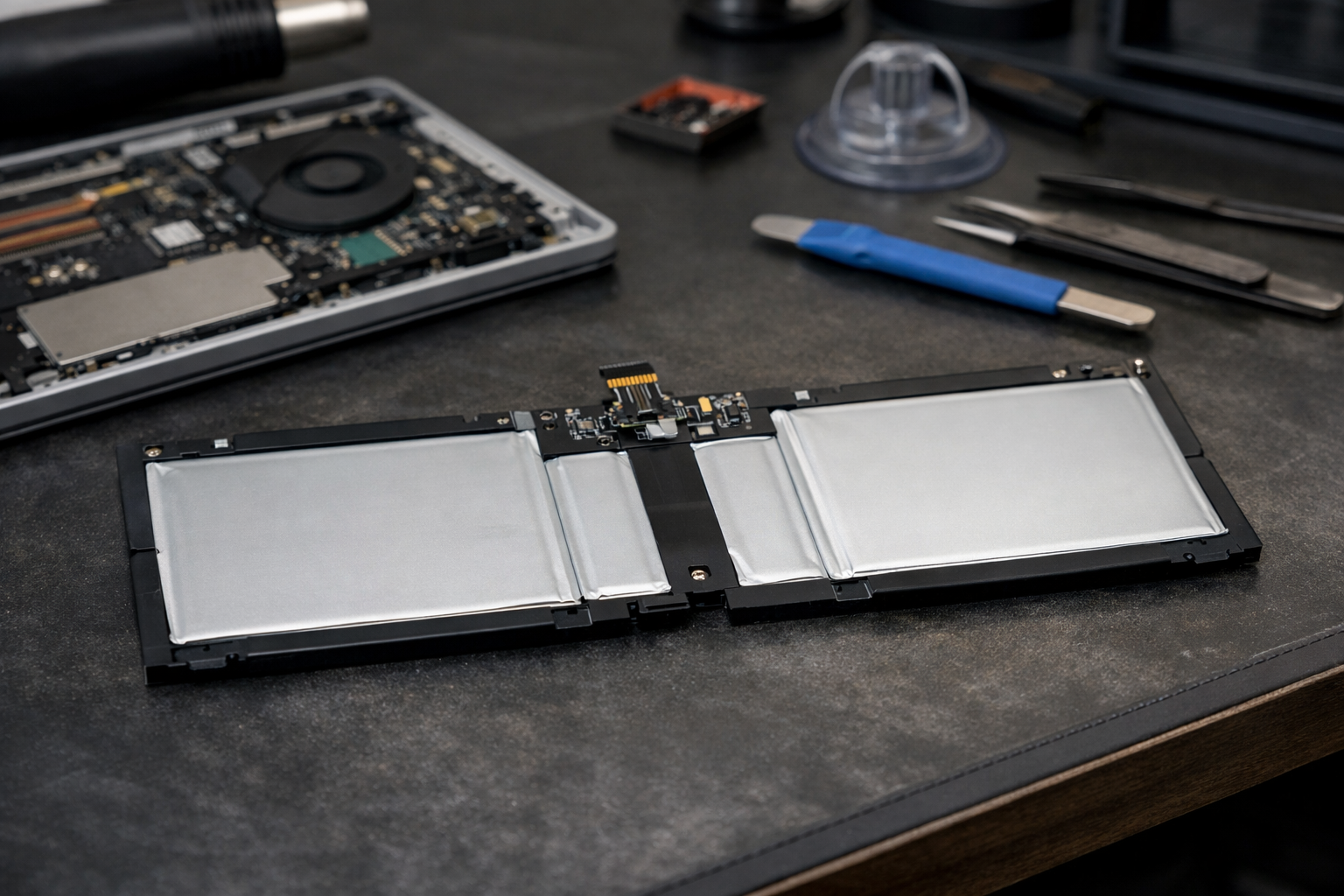
I often get asked if a DIY approach is viable for this repair. While I love a good weekend project, the Surface Book 1 is famously difficult to open. Microsoft used a significant amount of strong adhesive to keep the internal components secure. To thay pin surface book 1 base, you have to carefully heat the bottom panel, pry it off without bending the metal, and navigate around delicate ribbon cables that are very easy to tear.
According to experts at Microsoft Support, improper handling of internal batteries can lead to thermal runaway if the casing is punctured. This is why we recommend bringing it to a specialist. At Surface Plus, we have seen many users try to fix it themselves, only to end up with a surface book không lên nguồn because a small connector was snapped during the process. Professional tools and experience make a world of difference here.
Steps Involved in a Professional Battery Replacement
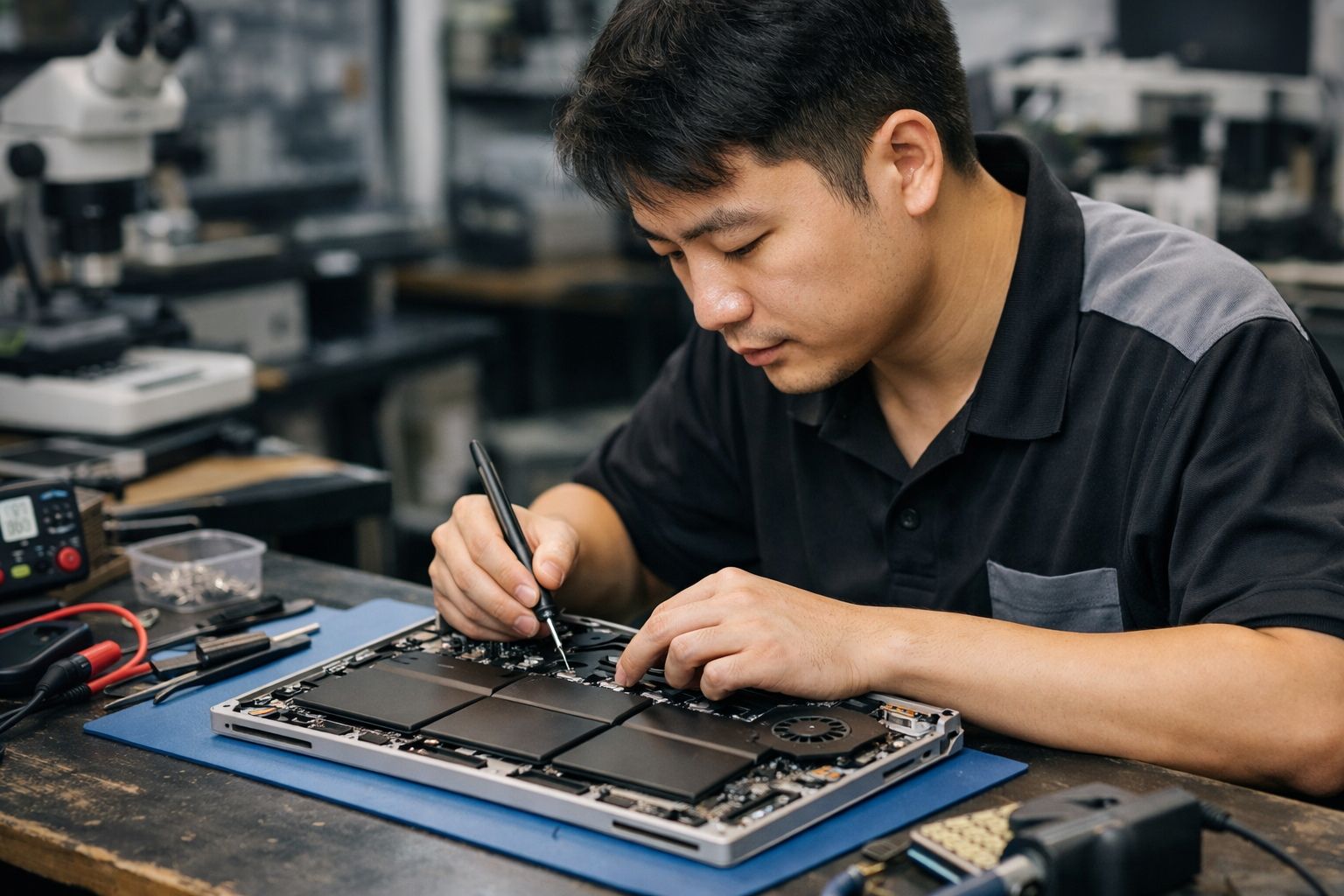
When you bring your machine to us to thay pin surface book 1 base, we follow a rigorous protocol to ensure your device returns to you in better-than-ever condition. Here is a peek behind the curtain of our process:
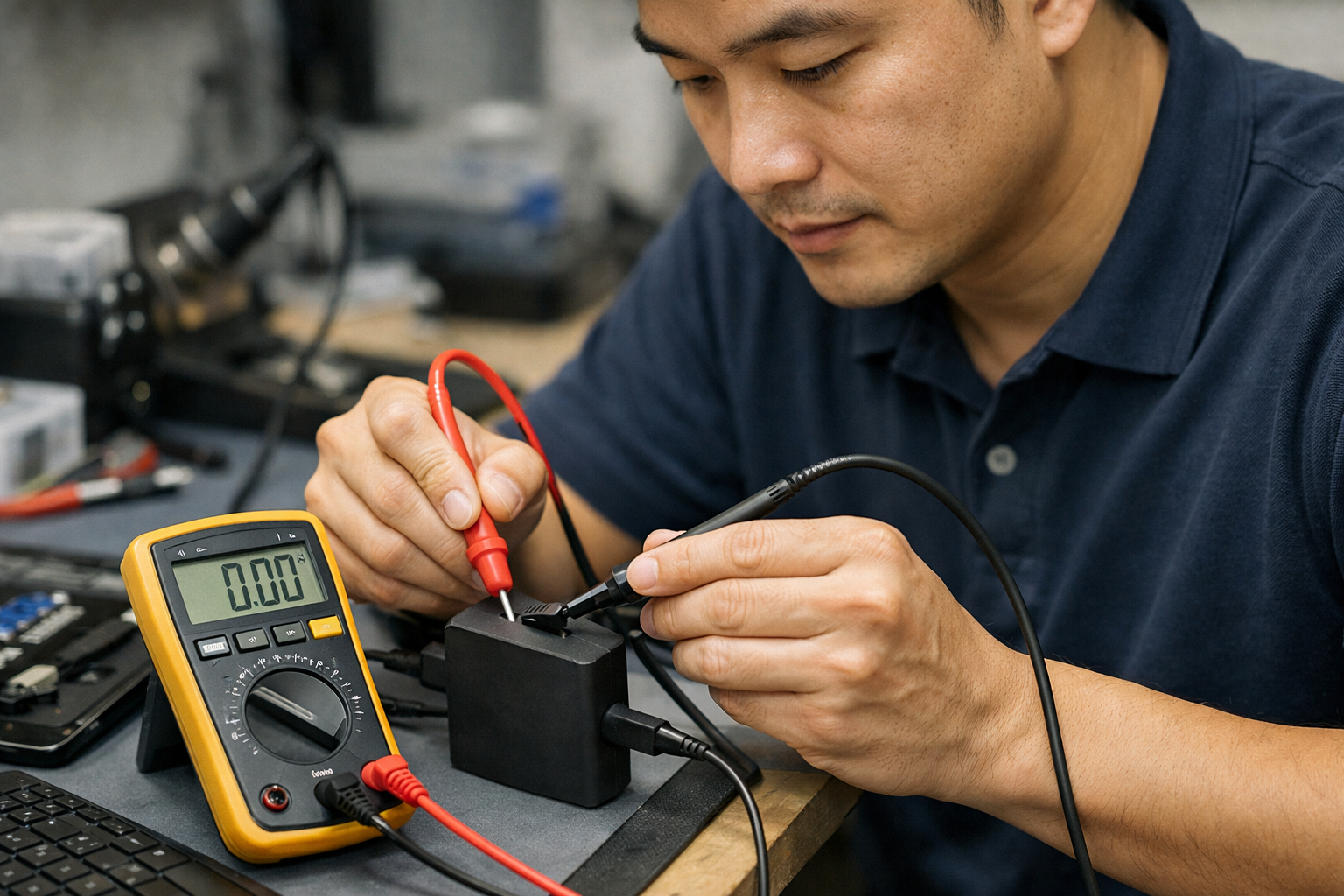
- Diagnostic Testing: We use software to check the health and cycle count of both batteries. Sometimes, software glitches can mimic battery failure, so we rule those out first.
- Precision Disassembly: Using controlled heat mats, we soften the adhesive holding the base together.
- Safe Extraction: We carefully remove the old battery, ensuring no pressure is applied to the logic board.
- Internal Cleaning: While the base is open, we clean out dust from the fans to help with cooling.
- Installation & Testing: We install a high-quality replacement cell and run several charge/discharge cycles to verify stability.
This level of care prevents common post-repair issues like ghost touches or thermal throttling. It is much better than a rushed job that might leave you with a laptop that still feels sluggish or unreliable.
Why Surface Plus is Your Best Choice in Hanoi
Choosing where to thay pin surface book 1 base in Hanoi can be overwhelming with so many repair shops. At Surface Plus (Cửa hàng Surface cũ giá rẻ Hà Nội), we specialize exclusively in Microsoft hardware. We understand the nuances of these machines, from the older Surface Pro models to the latest Surface Laptop Studio. We keep genuine and high-grade OEM parts in stock specifically for the Surface Book series because we know how much people rely on them.
Our commitment is to provide transparent pricing and expert advice. We won’t just swap a part and send you on your way; we ensure the entire system is optimized. If we find that your device is struggling with other issues, like a surface book bị vỡ màn hình or software bloat, we will provide a comprehensive solution that makes sense for your budget.
Conclusion: Breathing New Life into Your Surface Book
Don’t let a dying battery turn your premium laptop into a desktop. The Surface Book 1 is still a fantastic machine for drawing, writing, and professional work if its power supply is healthy. By deciding to thay pin surface book 1 base, you are extending the life of your device by another 2 to 3 years, which is both environmentally friendly and much cheaper than buying a brand-new computer.
If you’re noticing shorter runtimes, weird percentage jumps, or a physical bulge in your keyboard, come visit us at Surface Plus. We’ll get your base battery swapped out quickly and safely, so you can get back to what you do best without worrying about where the nearest power outlet is. Your Surface Book deserves it!