Thông tin Sale hội trăng rằm, Giá luôn rẻ - Giảm đến 15 triệu MUA NGAY




























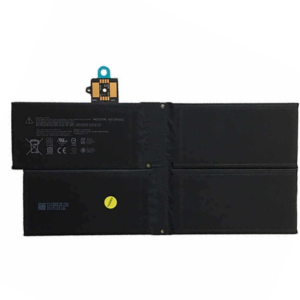




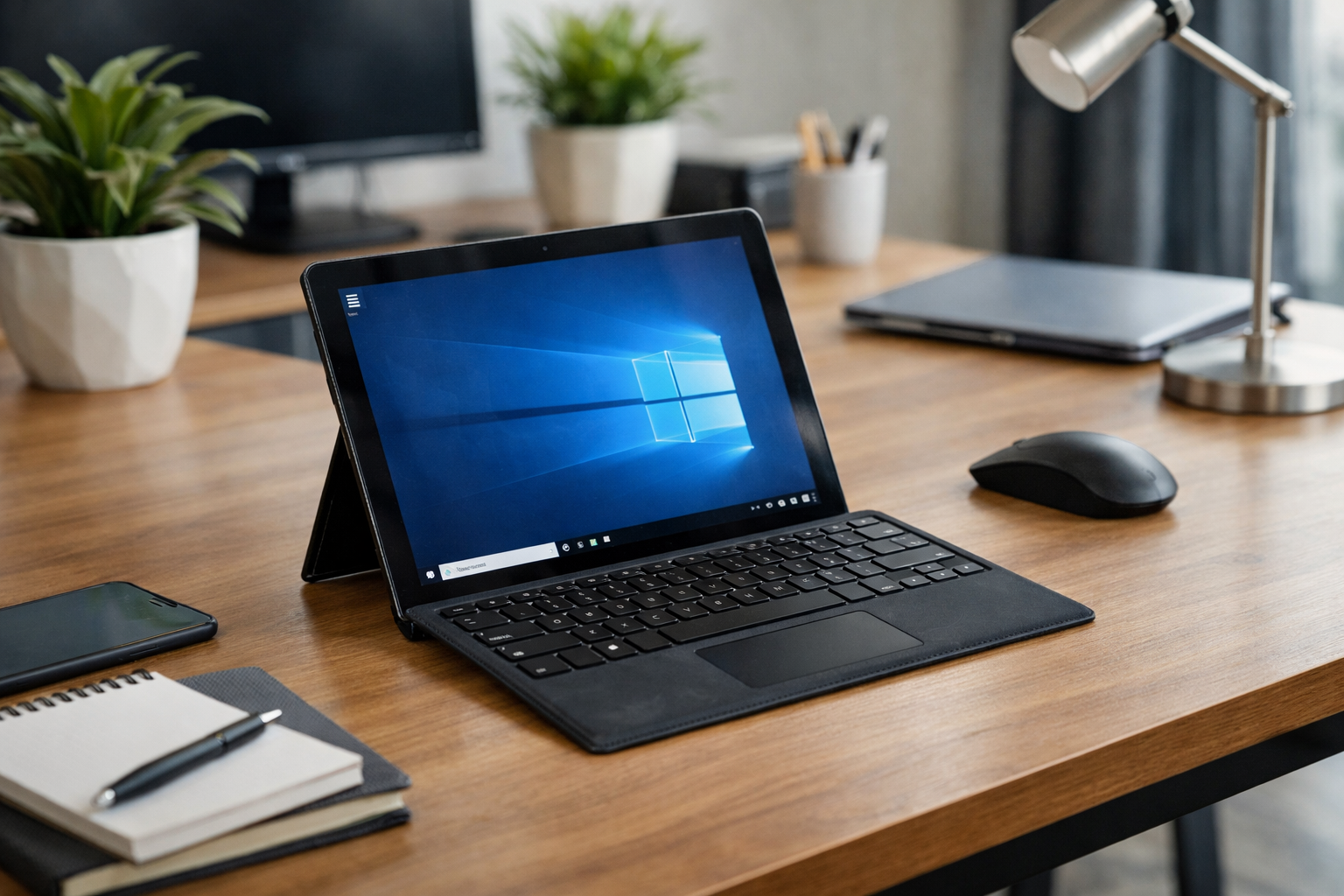
Hey there! If you’re reading this, I’m guessing your once-mighty Surface Pro 4 is starting to feel a bit more like a desktop computer—meaning it has to stay plugged into the wall 24/7. I’ve been there, and I know exactly how frustrating it is. You bought a portable powerhouse, but now it dies the second you unplug it to go to a meeting or a coffee shop. Or worse, maybe you’ve noticed a weird gap between the screen and the frame.
Whether your battery is just getting old or it’s physically swelling, the decision to thay pin surface pro 4 (replace the battery) is one of the best investments you can make to extend the life of your device. Today, I want to share my experience working with these tablets at Surface Plus and guide you through everything you need to know about getting your device back to peak performance.
How to Tell If It’s Time to Thay Pin Surface Pro 4
Batteries are consumable parts. No matter how well you treat them, they have a limited number of charge cycles. Generally, after 3 to 4 years of heavy use, a Surface battery will drop to about 80% of its original capacity. But how do you know if yours is truly at the end of its rope? Here are the most common signs I see every day at our shop:
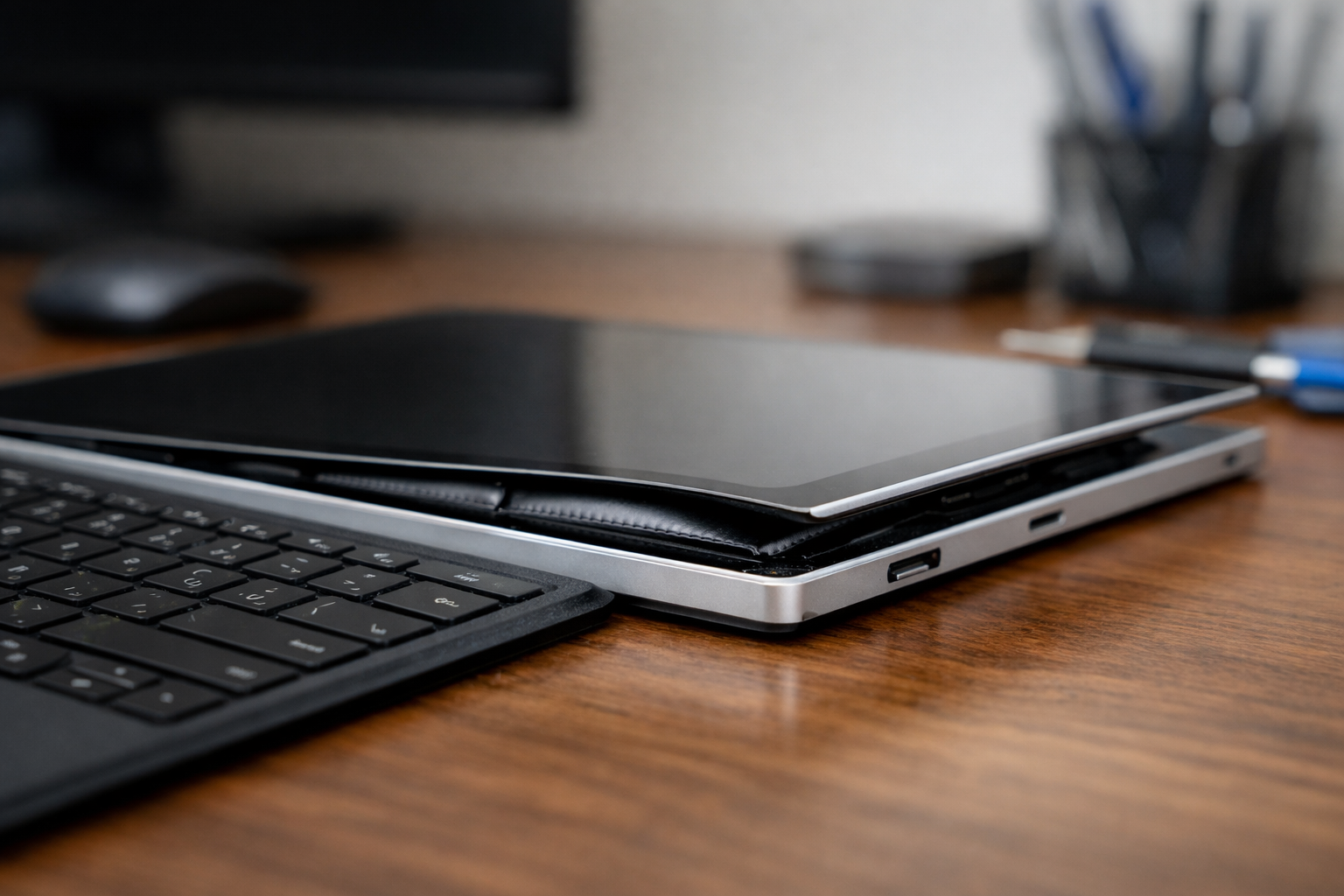
- The “Spicy Pillow” Effect: This is the most dangerous sign. If your screen looks like it’s bulging or if there’s a yellow tint appearing on the edges of the display, your battery is likely swelling. This is a fire hazard and can lead to the need for a surface pro bị vỡ màn hình because the internal pressure literally snaps the glass.
- Random Shutdowns: Your tablet says it has 30% battery left, and then suddenly—black screen. This happens because the old battery can no longer provide a consistent voltage.
- Extreme Heat: If the back of your Surface feels like a frying pan even when you’re just browsing the web, the battery is struggling to regulate its temperature.
- Plugged in, Not Charging: Sometimes the software detects the battery but refuses to charge it because the internal cells are dead.
You should consider a battery replacement if your device meets any of these criteria:
- The battery capacity has dropped below 70% of its original design (check this via a Windows Battery Report).
- The device only stays powered on when connected to the charger.
- There is visible swelling or lifting of the screen glass.
- The tablet frequently shuts down unexpectedly at 20-40% charge.
Why Does This Happen to My Surface Pro 4?
I get asked this a lot: “I paid a lot of money for this, why is the battery failing?” The truth is, the Surface Pro 4 is a marvel of engineering, but it’s packed very tightly. Heat is the number one enemy of Lithium-ion batteries. Because the Surface Pro 4 is so thin, heat dissipation can be a challenge, especially during heavy tasks like video editing or gaming. Over time, this heat degrades the chemical components of the battery.
Furthermore, many users tend to leave their devices plugged in 100% of the time. While modern electronics have charge controllers, keeping a battery at a constant high voltage and high temperature is a recipe for chemical aging. If your device is acting up beyond just the battery, such as software glitches or driver issues, it might be a general case of surface pro bị lỗi that needs a professional diagnostic.
The Challenges of Professional Thay Pin Surface Pro 4 Services
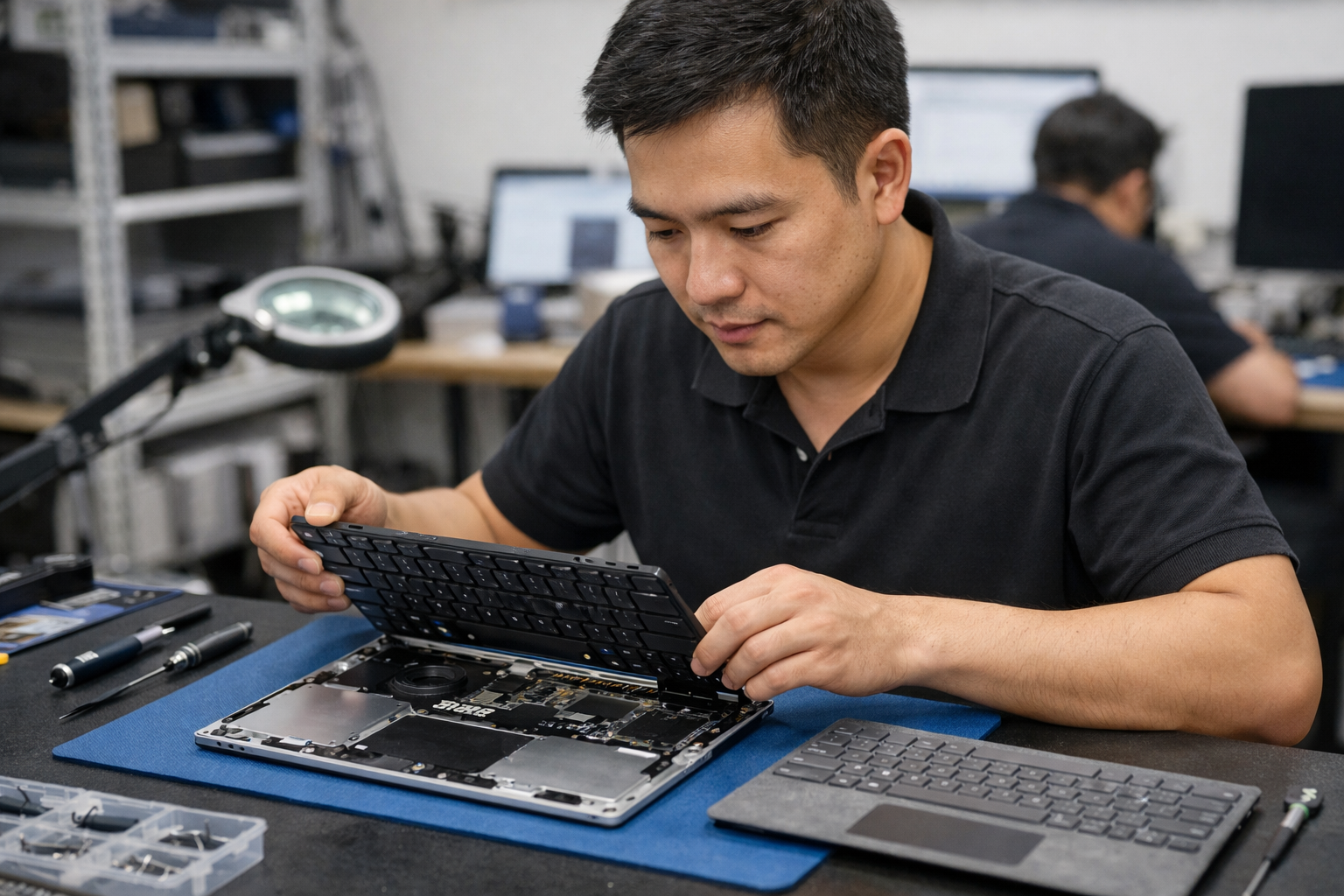
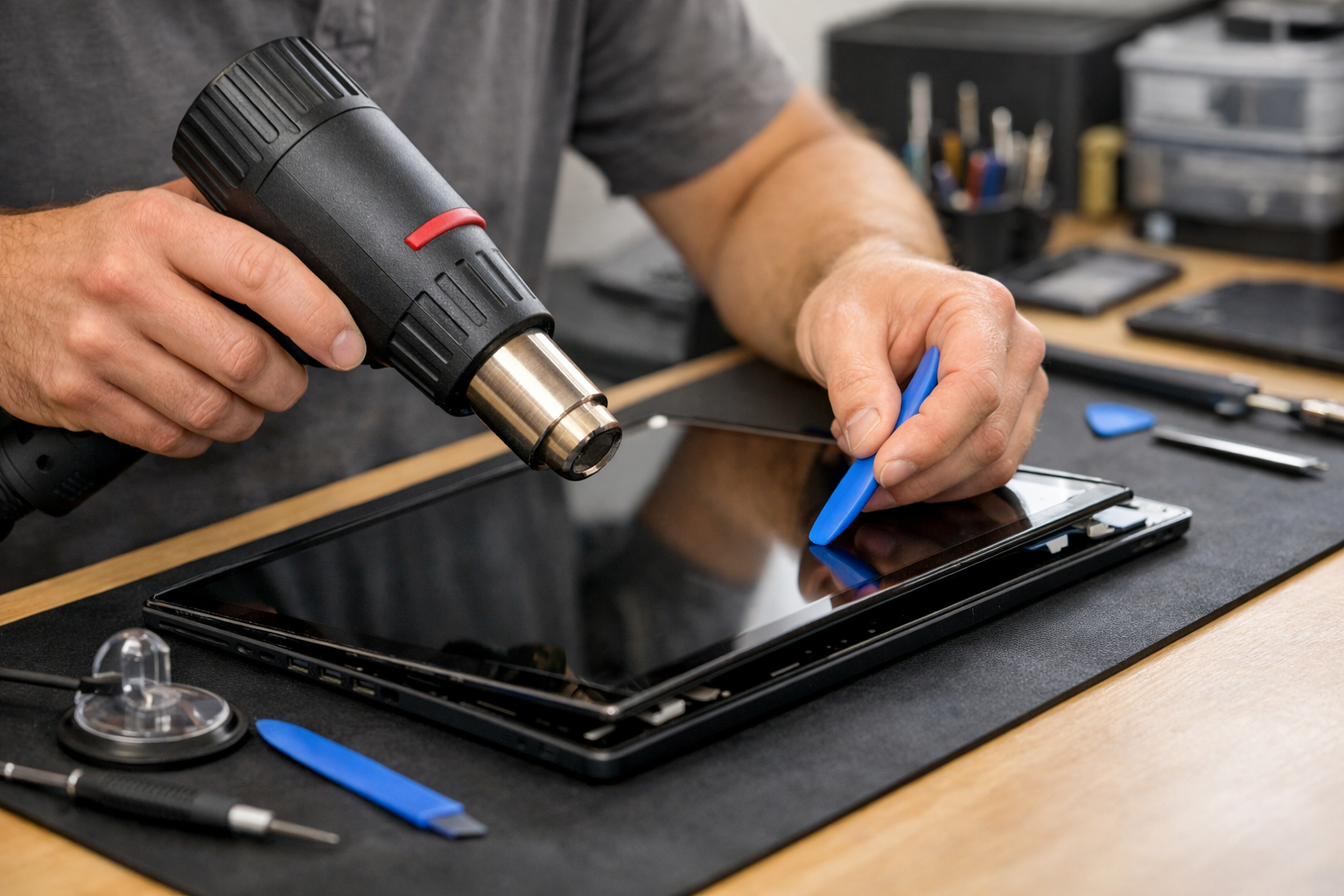
I’ll be honest with you: the Surface Pro 4 is NOT a DIY-friendly device. According to the experts at iFixit, this device is notoriously difficult to open. Unlike a laptop where you just unscrew the bottom plate, the Surface is held together by very strong adhesive. To get to the battery, you have to remove the screen first.
The screen glass is incredibly thin and fragile. If you apply too much heat, you damage the LCD. If you apply too little, the glass cracks. This is why many people who try to do it themselves end up needing a screen replacement too. At Surface Plus, we use specialized tools—precision heat mats, suction clamps, and ultra-thin opening picks—to ensure we thay pin surface pro 4 without causing any collateral damage.
Our Technical Process at Surface Plus
When you bring your device to us at Surface Plus – Cửa hàng Surface cũ giá rẻ Hà Nội, we follow a strict protocol to ensure quality:
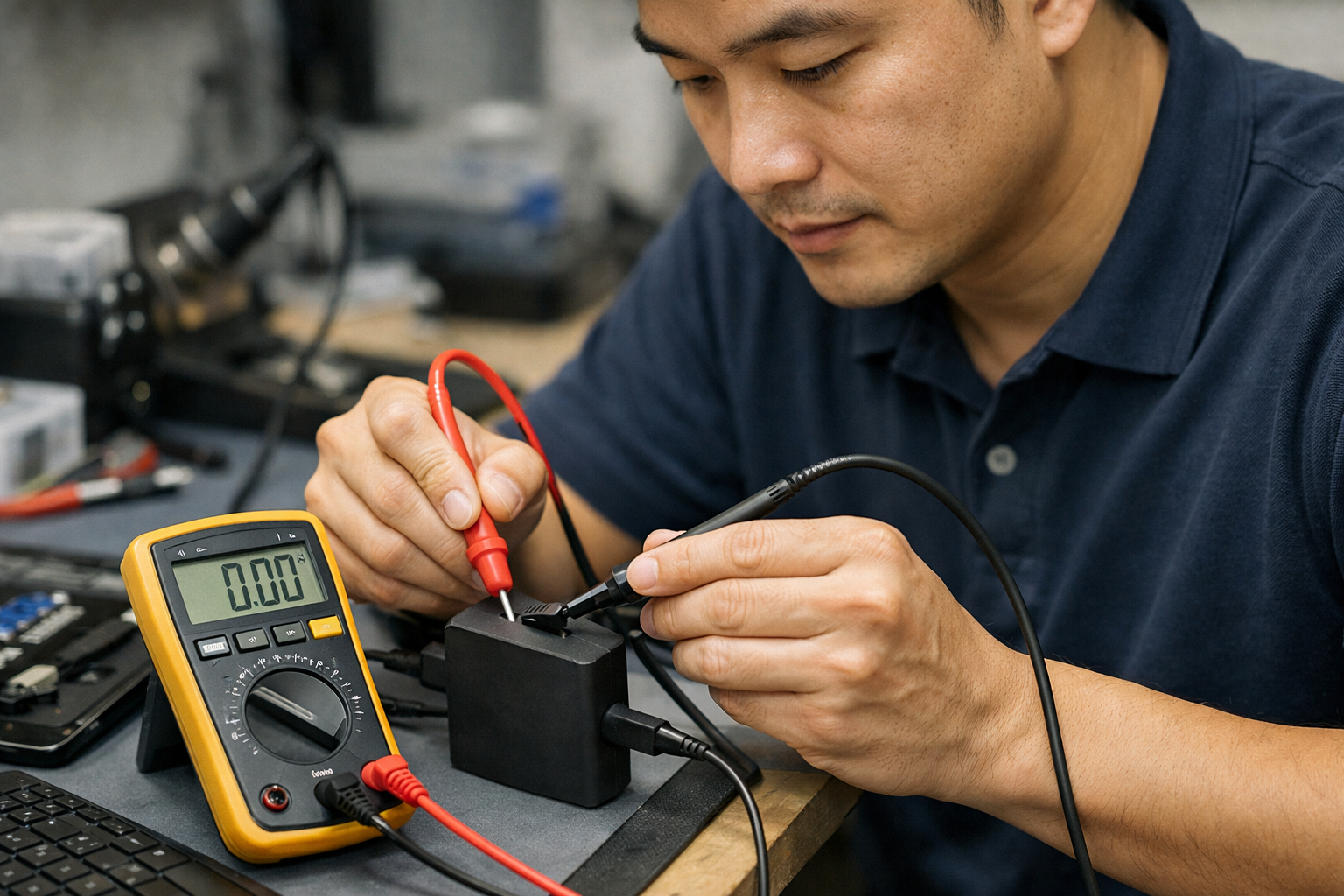
- Initial Diagnosis: We run a software battery report to confirm the health status and check if there are other underlying issues like a surface pro không lên nguồn due to motherboard issues.
- Safe Disassembly: We carefully heat the edges to soften the glue and lift the display.
- Internal Cleaning: Dust often builds up in the fans, which contributes to the heat that killed your old battery. We clean it out for free.
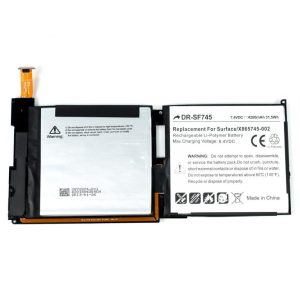
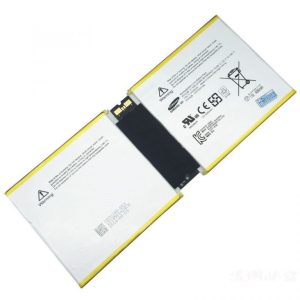
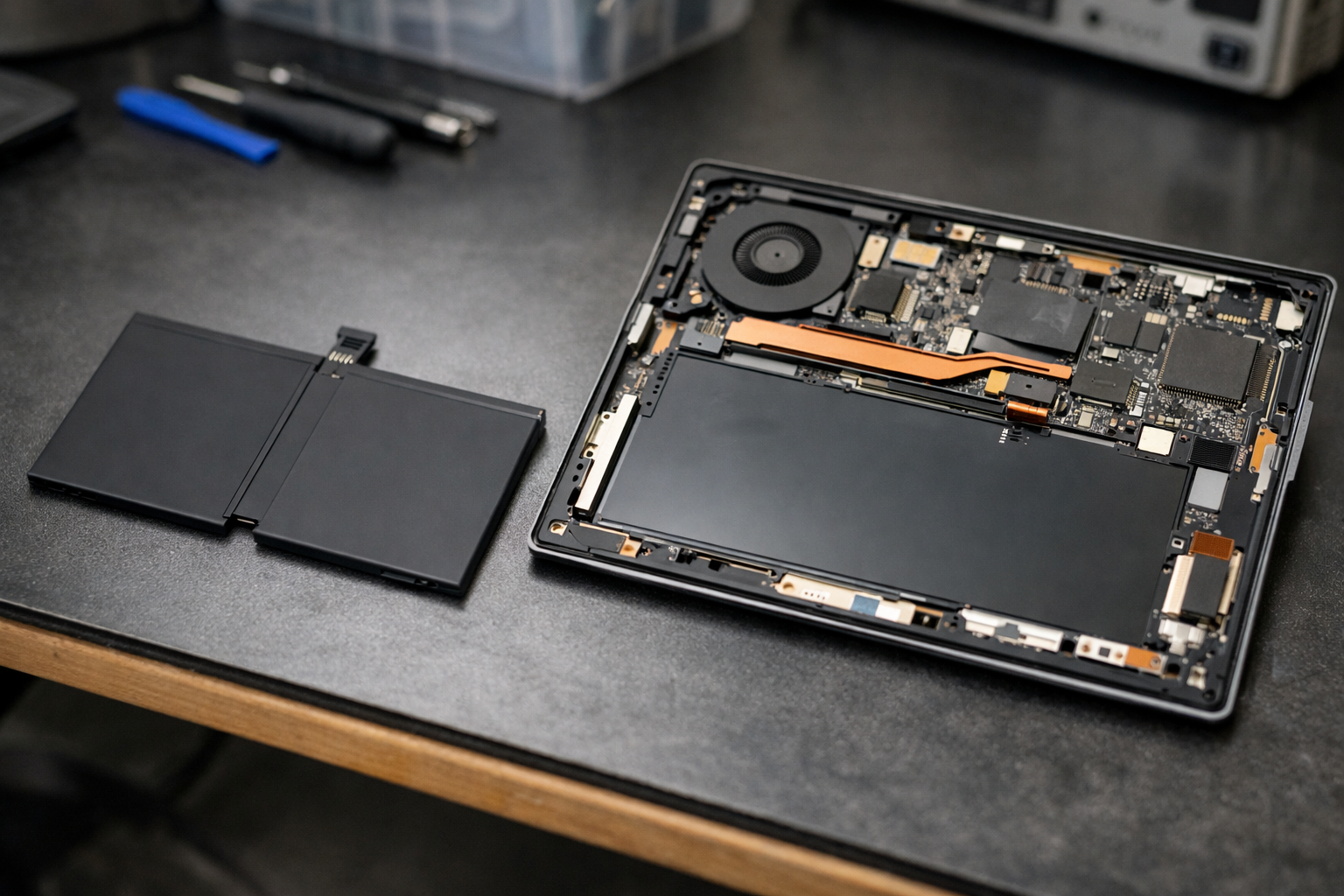
- Battery Swapping: We remove the old, degraded battery and replace it with a high-quality, genuine-spec replacement.
- Testing: We run two full charge and discharge cycles to make sure the new battery is calibrated correctly before handing it back to you.
The Cost vs. Benefit: Is It Worth It?
You might be wondering if it’s better to just buy a new machine. Here’s how I see it: a new Surface Pro 9 or Pro 10 can cost upwards of 20-30 million VND. Meanwhile, to thay pin surface pro 4 costs a fraction of that. The Pro 4 still has a beautiful high-resolution screen and is plenty fast for Office, web browsing, and streaming. By simply replacing the battery, you get another 2-3 years of mobile productivity out of a device you already own and love.
It’s also the eco-friendly choice! Reducing e-waste is something we care about deeply at Surface Plus. Repairing is almost always better for the planet than replacing.
Tips to Protect Your New Battery
Once you’ve had your thay pin surface pro 4 service completed, you’ll want to make that new battery last as long as possible. Here are my top tips for my customers:
- Enable Battery Limit Mode: If you use your Surface at a desk most of the time, go into the UEFI settings and enable “Battery Limit.” This caps the charge at 50%, which significantly extends the lifespan of the chemical cells.
- Stay Cool: Don’t use your Surface on a bed or a soft sofa where the vents might be blocked. Use it on a hard surface to help the fans do their job.
- Avoid Deep Discharges: Don’t let your battery hit 0% frequently. Try to plug it in when it hits around 20%.
- Update Your Firmware: Microsoft often releases updates that improve battery management and power efficiency.
Why Choose Surface Plus in Hanoi?
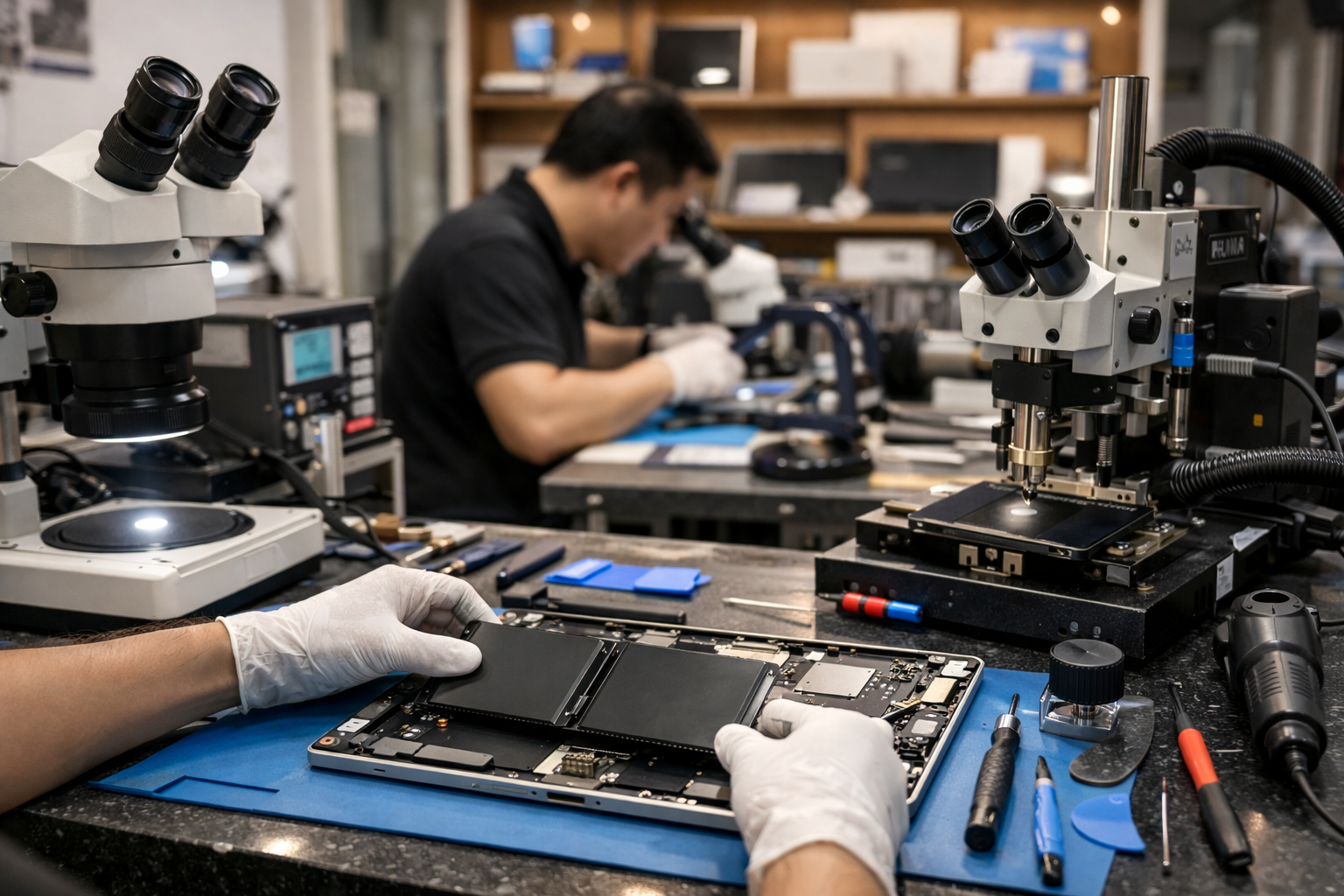
At Surface Plus, we specialize specifically in Microsoft products. We aren’t a general repair shop that fixes everything from toasters to phones. We know the internal layout of every Surface model like the back of our hands. When you choose us to thay pin surface pro 4, you are getting expertise, high-quality components, and a solid warranty that gives you peace of mind.
We pride ourselves on being the go-to destination for anyone looking for “Surface cũ giá rẻ” or reliable repair services in Hanoi. Our technicians are trained to handle the delicate ribbons and connectors that make the Surface Pro 4 so unique.
Conclusion
Don’t let a dying battery turn your portable tablet into a paperweight. Whether you’re dealing with a slight drop in run-time or a scary-looking screen bulge, getting a professional thay pin surface pro 4 is the most cost-effective way to revitalize your tech. Stop by Surface Plus today, and let’s give your Surface Pro 4 a second life!
If you have any questions about the process or the current pricing, feel free to reach out to our team. We’re here to help you stay productive and mobile!